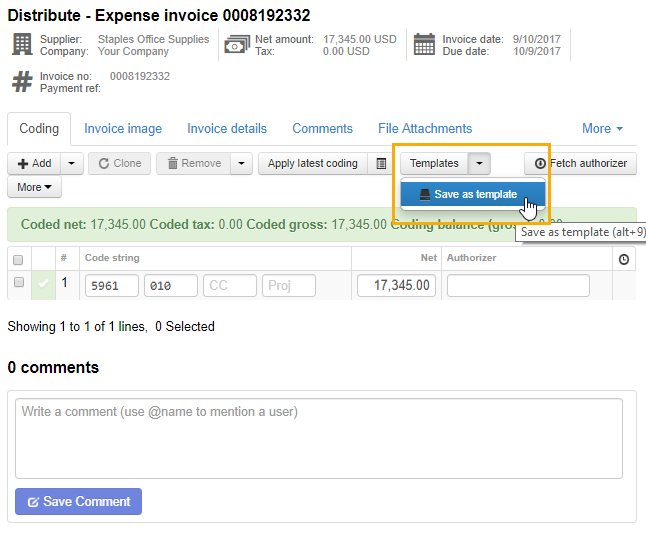
The easiest way to create a template is to save your coding into an accounting template when distributing the invoice. Open the Templates menu and click Save as template (for more information, see Saving accounting templates). You can then choose whether to set the template as default for the supplier or not.
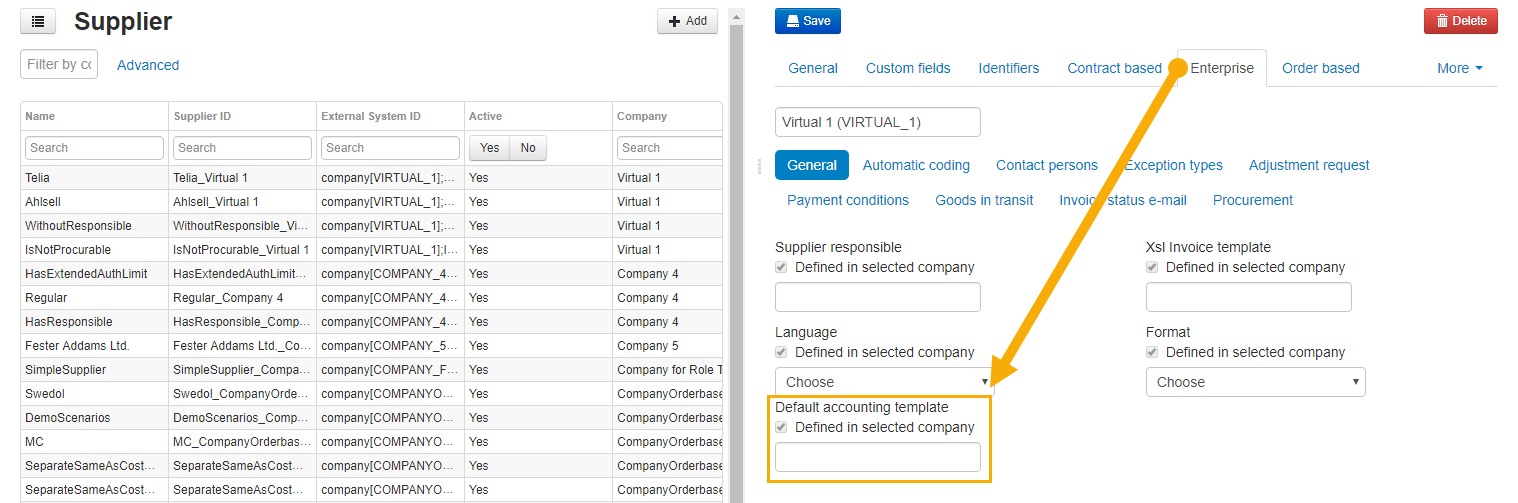
You can also create the template manually on the Accounting template administration page, and then set the template as default on one or more suppliers.
For more information about accounting templates, see Accounting template.
For more information about supplier setup, see Supplier.
Was this article helpful?
That’s Great!
Thank you for your feedback
Sorry! We couldn't be helpful
Thank you for your feedback
Feedback sent
We appreciate your effort and will try to fix the article