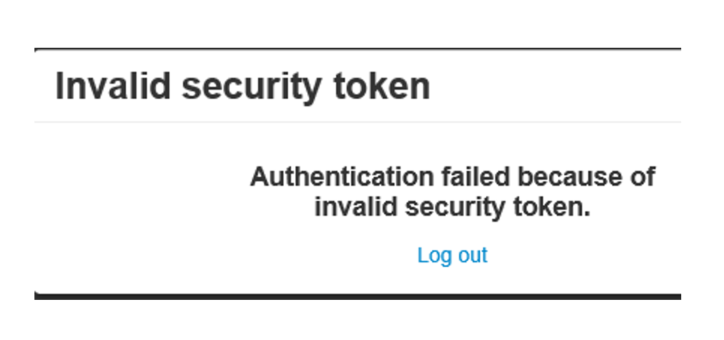
This error occurs when MediusFlow cannot log you in using your regular ADFS account, most likely due to a change to the ADFS certificate. It is possible that the ADFS thumbprint has been updated in your environment, but not in MediusFlow.
If your MediusFlow environment has been configured to support thumbprint update through login option refresh, you can solve this problem by following the procedure below:
Log in to MediusFlow without using ADFS, as described above.
Go to the Login option administration page, and select your ADFS (or equivalent) login option.
Click Refresh and verify that the Thumbprint field was updated.
Click Save.
Log in to MediusFlow using ADFS to check if this solution worked.
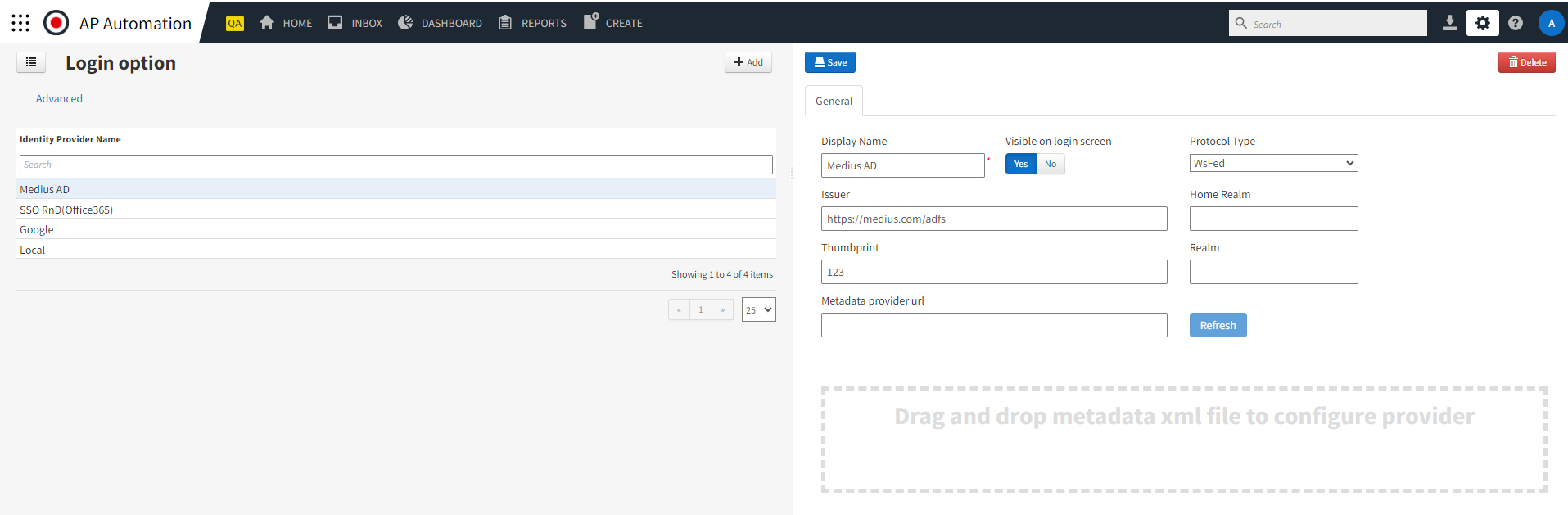
If Medius is not set up to update the thumbprint when refreshing the login option configuration, it is also possible to update it manually. This requires fetching a new Federation Metadata XML file and uploading it to MediusFlow. You might need to contact your IT department for support.
Navigate to Administration > Login option.
Select your ADFS (or equivalent) login option.
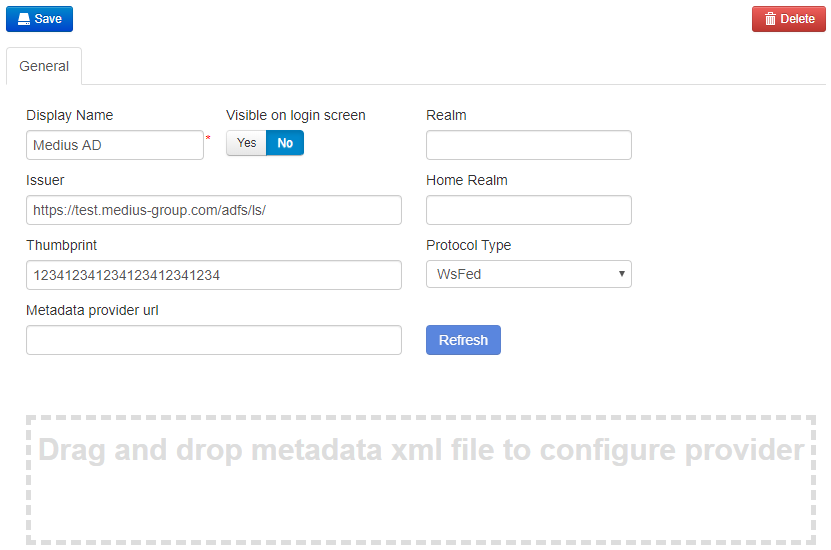
Copy the base URL from the Issuer field. Modify it to fetch a new metadata file by opening the URL in your web browser. If the URL is
https://test.medius-group.com/adfs/ls/, modify it to the followinghttps://test.medius-group.com/FederationMetadata/2007-06/FederationMetadata.xmlto download the XML file.When the XML file has been downloaded, drag and drop it onto the highlighted area in the application. Make sure that the thumbprint field value is changed when the file is uploaded.
Click Save to save the changes.
Verify that it works by logging in to MediusFlow using AD.
If you cannot solve the issue by following this FAQ, contact Medius Support.
For more information about the login option, see Login Option.
Was this article helpful?
That’s Great!
Thank you for your feedback
Sorry! We couldn't be helpful
Thank you for your feedback
Feedback sent
We appreciate your effort and will try to fix the article